
Canva is a design application that can be extremely beneficial for companies that do not have an in-house designer or want to take over their marketing from a 3rd party company. Canva provides templates to use as inspiration and guidelines for creating various marketing assets such as social media posts, business cards, flyers, infographics, newsletters and so much more. They also provide stock photography in case authentic photography isn’t an option. However, if you are a single business looking to start with Canva you will first need to decide if you should choose the free version or the paid version of the tool.
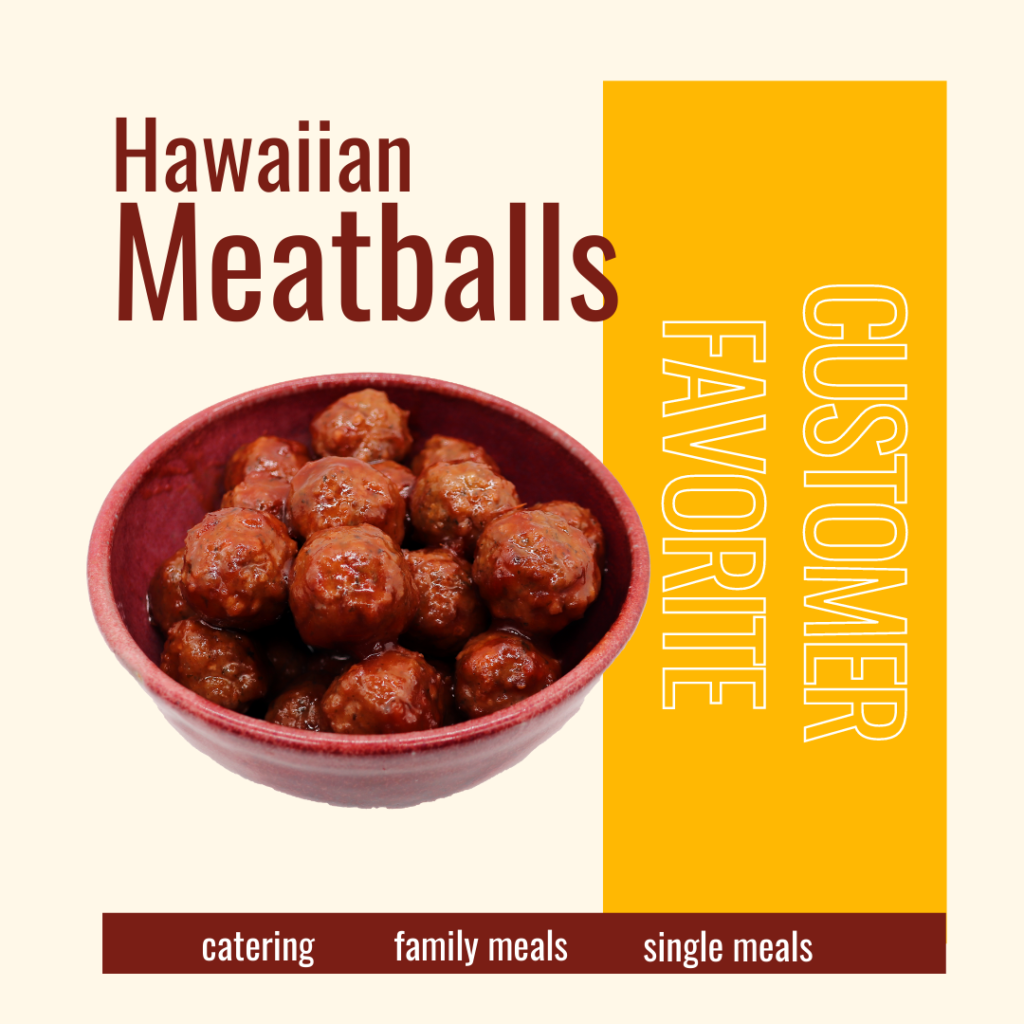
The background remover is a great tool if you do have your own authentic photos and you are looking to isolate an item from a nosier picture. With a click of a button Canva can strip out a background on most photos so that you can have a singular image. Take a look at the example below where we took the original image which had a lightbox background and removed & isolated the bowl in order to place it within a design.

Another feature of the paid tool is the ability to schedule posts to your social platform. We would be remised if we didn’t mention it, but we wanted to clarify while this may be a nice feature for some platforms like LinkedIn or Pinterest we would recommend posting Facebook and Instagram either natively or through Facebook Business Suite which will be further discussed in a future blog post (so don’t forget to subscribe below).